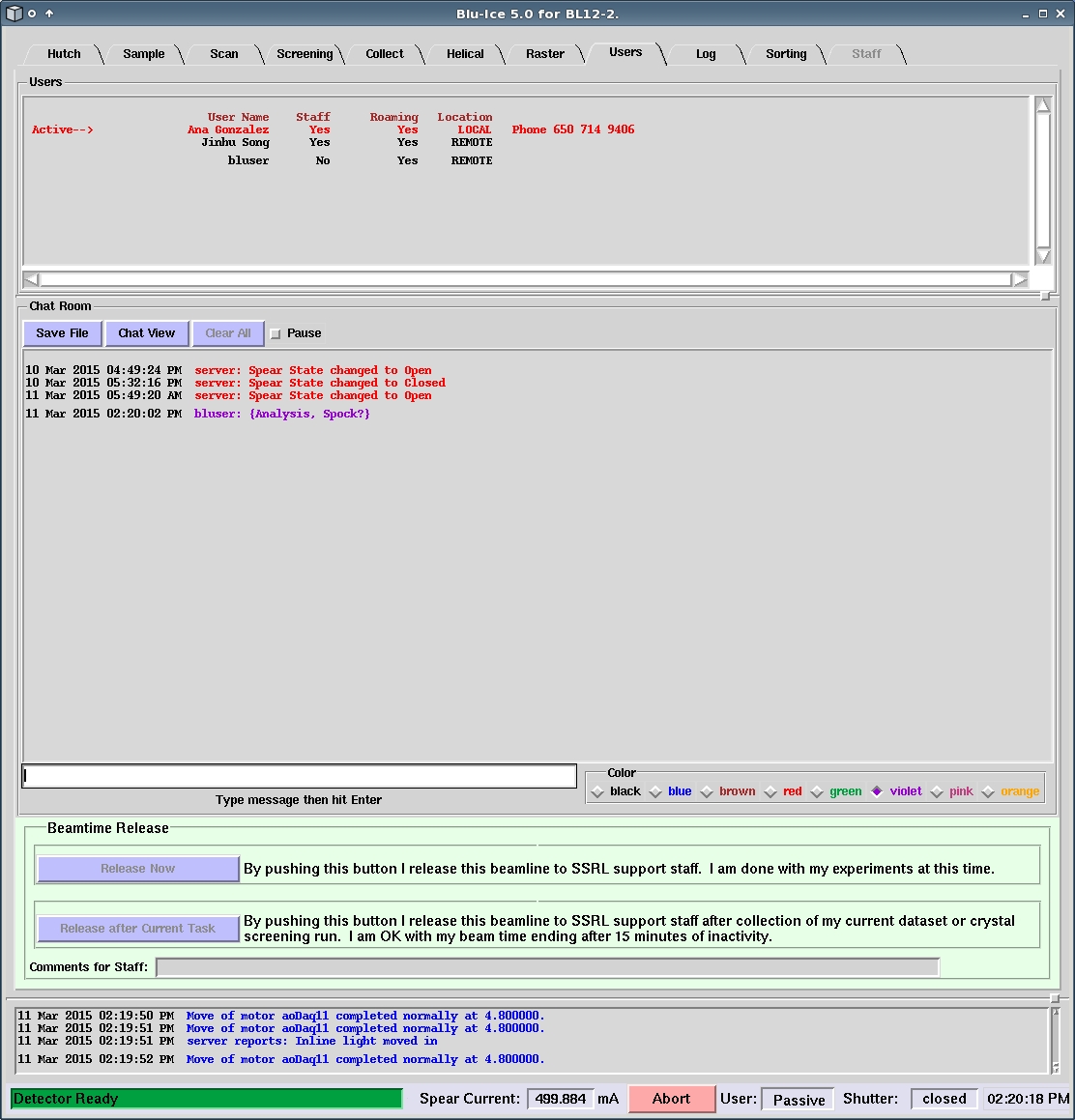
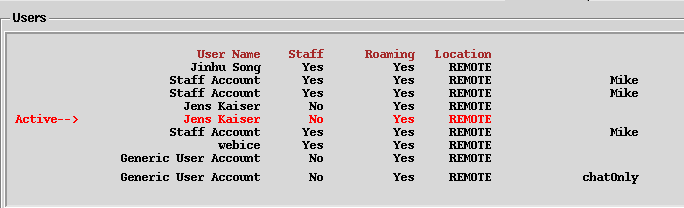
The Chat Pane
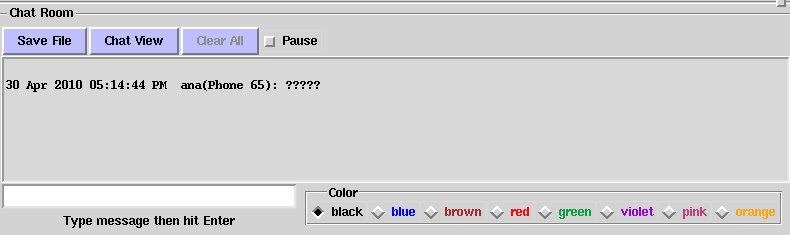
[Fig 3] Chat Room Pane
You can enter a message in the white chat pane and it will be
displayed in the Chat room pane of all Blu-Ice clients logged into the same
beamline. This is a useful tool for communicating with the User
Support Staff or with your collaborators. Clicking on Chat View
will open a separate window. This allows you to see messages without
having to change Tabs within Blu-Ice. This window will stay open even
if you close the Blu-Ice window.
You can save the chat file
to your data or home area using the Save File button.
Check the pause box if you want to stop new messages
appearing on the window. Once unchecked, the latest messages will be
displayed automatically. Clicking on the Clear All button will clear all text
previously entered (you must be in active mode to do this), or you can
pause the chat by clicking on the radio button next to pause
You can also change the color of the font used to display the message
using the eight radio buttons to the right of the pane.
Since December 2011 the SPEAR3 status messages are logged to the Chat Pane
The Beamline Release Pane

[Fig 4] Beamline Release Pane
Click the Release Now button if you have finished your experiments and wish to release
the beamline to SSRL staff. Enter any comments you wish to leave for SSRL staff in the Comments for Staff
area.

[Fig 5] Confirm Release
You will be asked to confirm your entire group has finished using the beamline, by clicking the
red I am sure our whole group is done using the beamline button within ten seconds. You may
Cancel the request or let the request time out, if you wish to continue using the beamline.
Otherwise, your last sample will be dismounted by the robot, and after a short delay
your Blu-Ice session(s) will close.
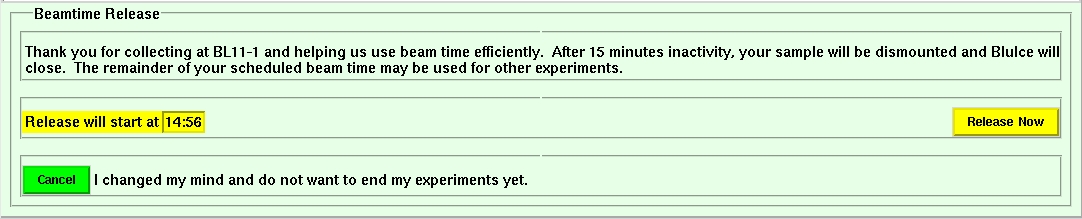
[Fig 6] Release After Finishing Current Task
If you click the Release after Current Task button, the current data collection or screening task(s)
will be allowed to finish, and after a further 15 minutes of inactivity, the beamline will be returned to SSRL staff.
Again, you may Cancel the request if you wish to continue using the beamline.